


About This Item
Description
The Meris Mercury7 blends two spacious reverb algorithms with a built-in pitch vector, turning simple chords or single notes into shimmering, off-world ambience. Its sound is inspired by the 1982 Blade Runner soundtrack.
Which Meris Mercury7 is this?
Mercury7 is the original compact two-footswitch reverb: two algorithms (Ultraplate and Cathedra), a built-in pitch vector, a Swell footswitch, stereo input and output, and no tap-tempo footswitch. If you want eight reverb algorithms, a color screen, 99 presets across 33 banks, native 5-pin DIN and USB-C MIDI, and a Hold Modifier switch that can be configured for tap tempo, that is the larger Meris MercuryX.
Why guitarists choose the Mercury7
- Two spacious reverb algorithms: Ultraplate, a lush plate with a fast build, and Cathedra, a massive, ethereal space with a slow build.
- Built-in pitch vector shifts the reverb tail an octave down, slightly down or up, a fifth up, or an octave up for shimmering, synth-like ambience.
- Dedicated Swell footswitch engages an auto-swell envelope for volume-pedal-style pads with no extra pedal.
- Stereo input and output, with input/output headroom switchable for guitar, synth or line level.
- 16 preset locations: the first 4 recall from the Meris Preset Switch, all 16 over MIDI.
- Trails-enabled bypass lets the reverb tail decay naturally after you switch off.
- MIDI over the multi-function EXP jack unlocks full remote control with the Meris MIDI I/O.
Controls and switches
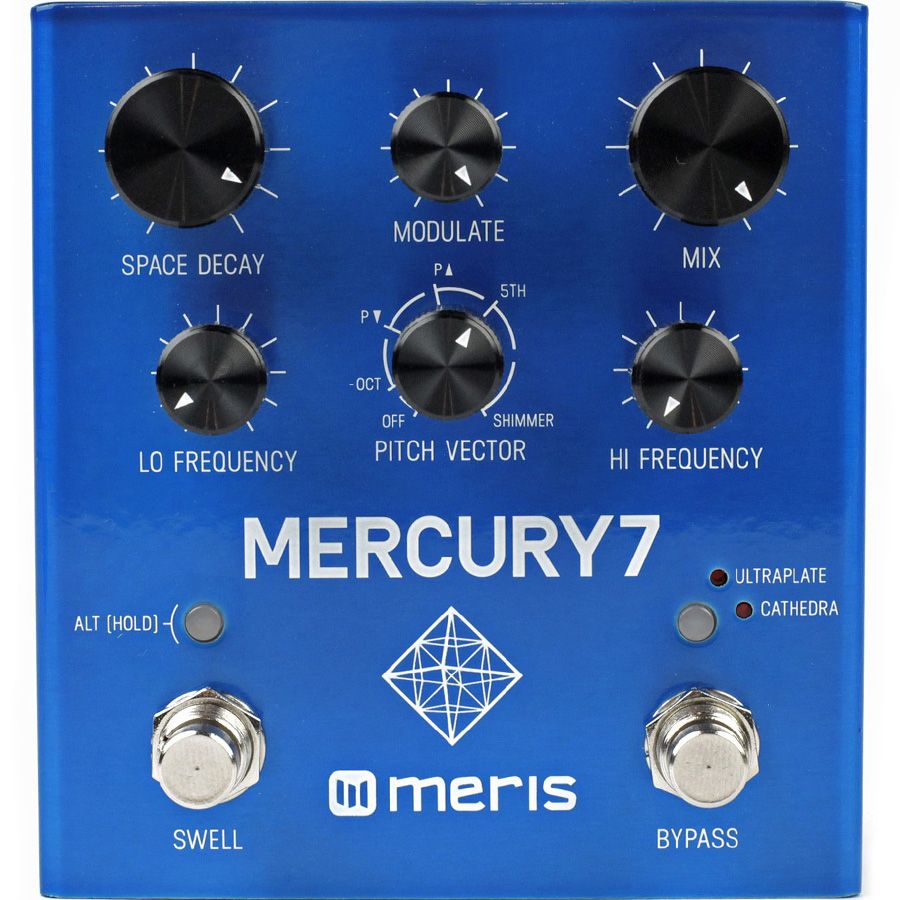
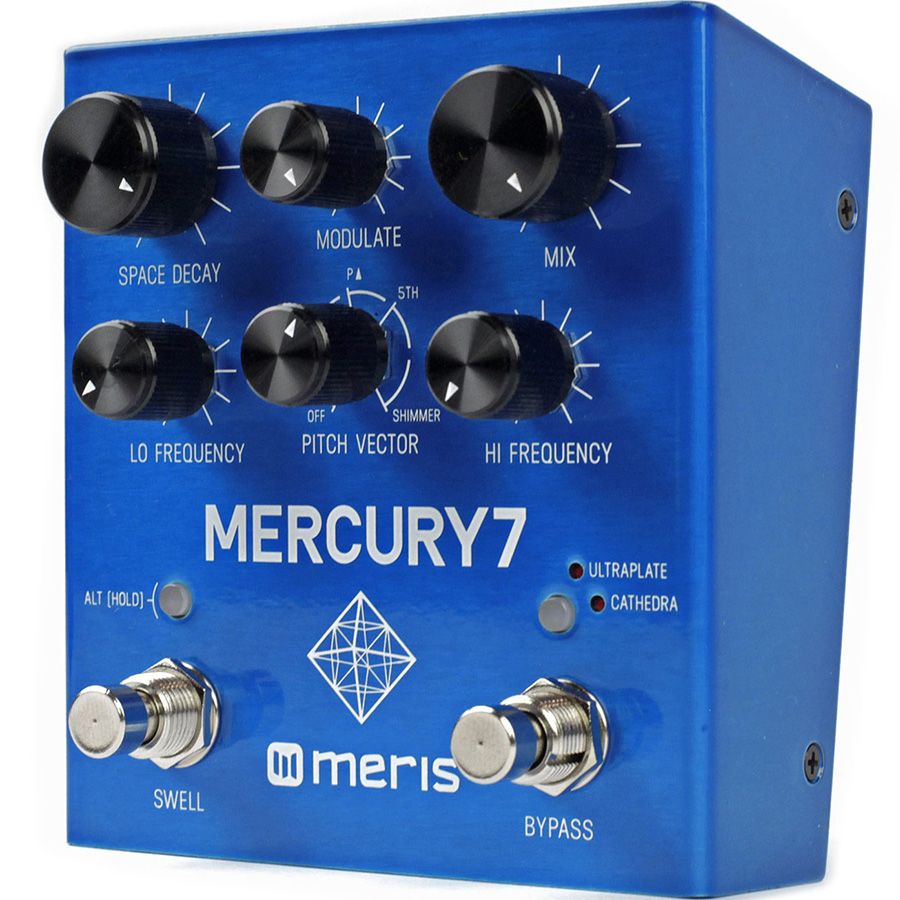
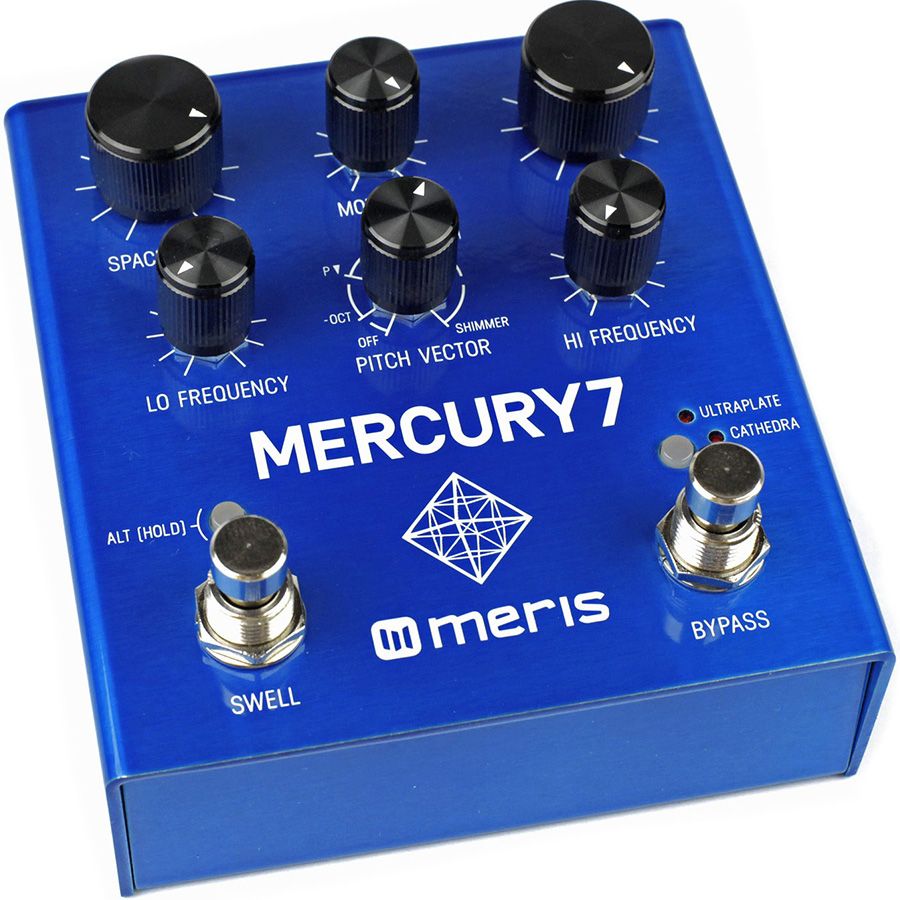
- Space Decay / Predelay (Alt) — Sets how long the reverb tail rings out; Alt sets predelay time before the reverb onset, separating dry attack from the wash.
- Modulate / Mod Speed (Alt) — Controls the depth of internal modulation inside the reverb tank; Alt sets the speed of that modulation.
- Mix / Pitch Vector Mix (Alt) — Blends reverb with your dry signal; Alt sets how much of the pitch-shifted vector is mixed into the reverb tail.
- Lo Frequency / Density (Alt) — Shapes low-frequency content in the reverb tail; Alt adjusts reverb density.
- Pitch Vector / Attack Time (Alt) — Sets the pitch interval fed into the reverb tank (octave down, slight down, slight up, fifth up, octave up); Alt sets the attack time of the swell envelope.
- Hi Frequency / Vibrato Depth (Alt) — Shapes high-frequency content in the tail; Alt sets vibrato depth applied within the reverb.
- ALT switch — Hold to reach the second-layer knob functions and to save presets.
- Algorithm select switch — Chooses between Ultraplate and Cathedra; its LED shows the active algorithm.
- Swell footswitch — Press to engage the auto swell; hold to maximize Space Decay sustain.
- Bypass footswitch — Engages or bypasses the effect.
Connections & Power
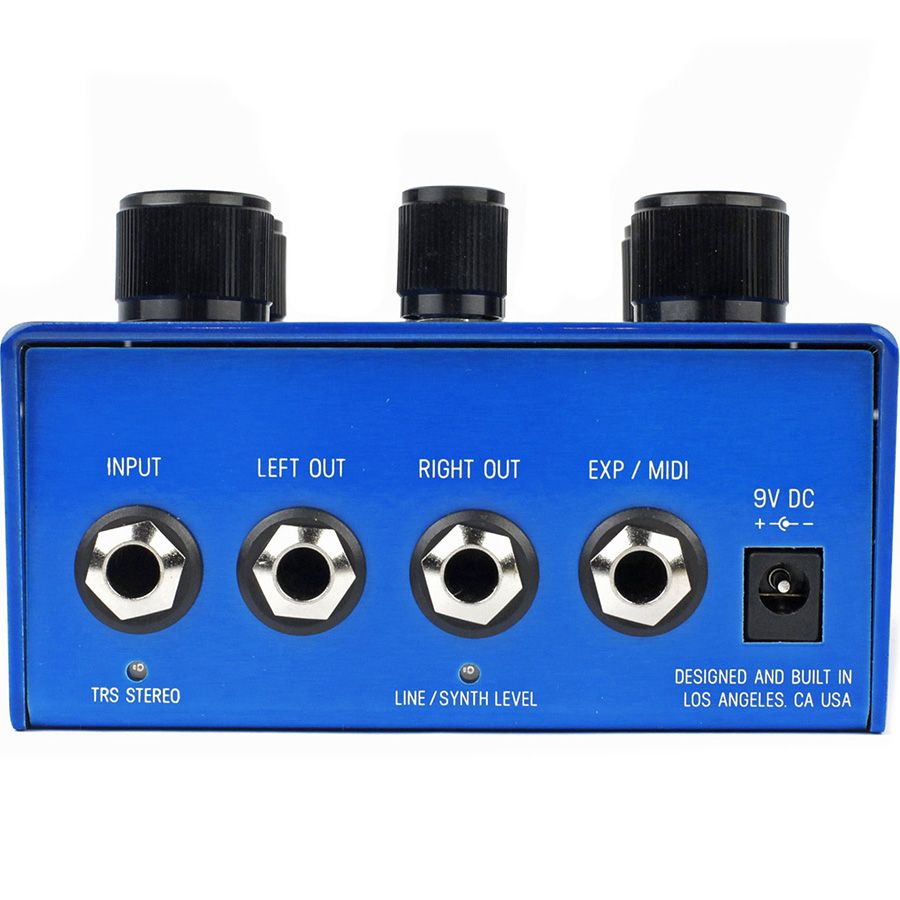
- Input: 1/4" jack, mono or stereo TRS (selected in global settings); outputs: Left and Right 1/4" jacks.
- Instrument or line/synth level setting; Kill Dry option for use in parallel effects loops.
- Multi-function EXP jack: expression pedal (controls any or all parameters), external switch (Swell), Meris 4-button Preset Switch, or MIDI In/Out via the Meris MIDI I/O.
- Power: 9V DC center-negative, 2.1 mm barrel, 150 mA. A power supply is not included and battery operation is not supported.
Use a supply output that delivers at least 150 mA; isolated multi-output supplies are recommended over daisy chains, which can cause noise. With Trails enabled the reverb tail continues to ring out naturally after bypass, and most players place Mercury7 last in the chain, after drive, modulation, and delay.
| Model | Meris Mercury7 |
|---|---|
| Effect type | Stereo algorithmic reverb |
| Algorithms | Ultraplate, Cathedra |
| Topology | Digital (24-bit A/D and D/A, 32-bit floating-point DSP, 48 kHz) with analog dry path |
| Audio I/O | Mono or stereo (TRS) input, stereo L/R outputs |
| Input impedance | 1 MΩ |
| Max input level | +9 dBu (Instrument), +12.5 dBu (Line/Synth) |
| Frequency response | 20 Hz – 20 kHz |
| Signal-to-noise ratio | 115 dB typical |
| Bypass | Selectable relay true bypass or analog buffered bypass; Trails option |
| Presets | 16 (1–4 via Preset Switch, 1–16 via MIDI) |
| Expression / MIDI | Multi-function TRS EXP jack (expression, external switch, preset switch, MIDI) |
| Tap tempo | No |
| Power | 9V DC center-negative, 2.1 mm, 150 mA (supply not included) |
| Dimensions | 4.25 × 4.5 × 2 in (108 × 114 × 51 mm) |
| Weight | 14.6 oz (414 g) |
| Made in | Designed and built in California, USA |
FAQ
Does Mercury7 have a tap-tempo footswitch? No. Mercury7's two footswitches are dedicated to Swell and Bypass, and the EXP jack's external-switch mode controls Swell.
Is Mercury7 stereo? Yes. It has a TRS input that can be set to mono or stereo and separate Left and Right outputs.
What is the difference between Mercury7 and MercuryX? Mercury7 is a compact 6-knob, two-footswitch reverb with two algorithms and 16 presets. MercuryX keeps Ultraplate and Cathedra and adds six more algorithms (eight in total), a color screen, 2.54 seconds of stereo predelay, Freeze, 99 presets and native 5-pin DIN and USB-C MIDI.
What do the two algorithms sound like? Ultraplate is a lush plate with a fast build; Cathedra is a massive, ethereal space with a slow build.
Can I recall presets without MIDI? Yes. The first four of Mercury7's 16 presets are reachable with the Meris Preset Switch, and all 16 over MIDI with the Meris MIDI I/O.
Does Mercury7 have trails? Yes. A global Trails setting lets the reverb tail decay naturally after bypass instead of cutting off.
What power supply does Mercury7 need? 9V DC, center-negative, 2.1 mm barrel, 150 mA. A power supply is not included.
Can I use it with synths or keyboards? Yes. The input can be set to line/synth level, which raises maximum input to +12.5 dBu.
How do I add MIDI control to Mercury7? Set the EXP jack to MIDI mode in the global settings and connect a Meris MIDI I/O with a TRS cable to convert standard 5-pin DIN MIDI.