


About This Item
Description
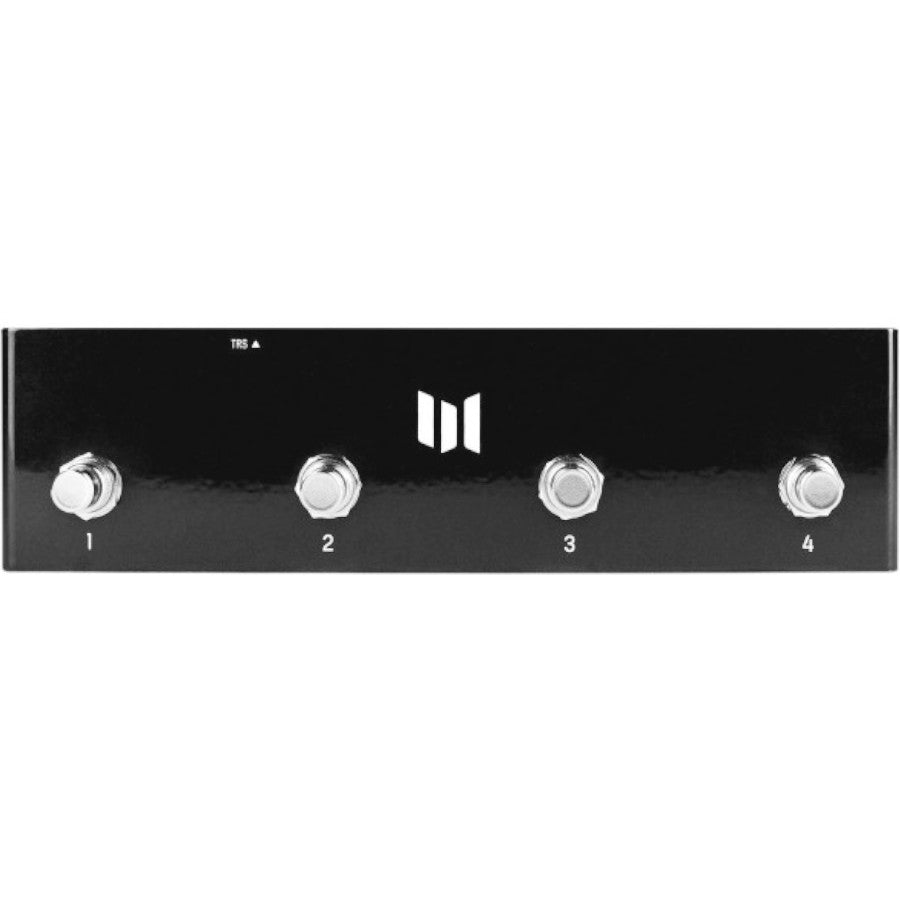
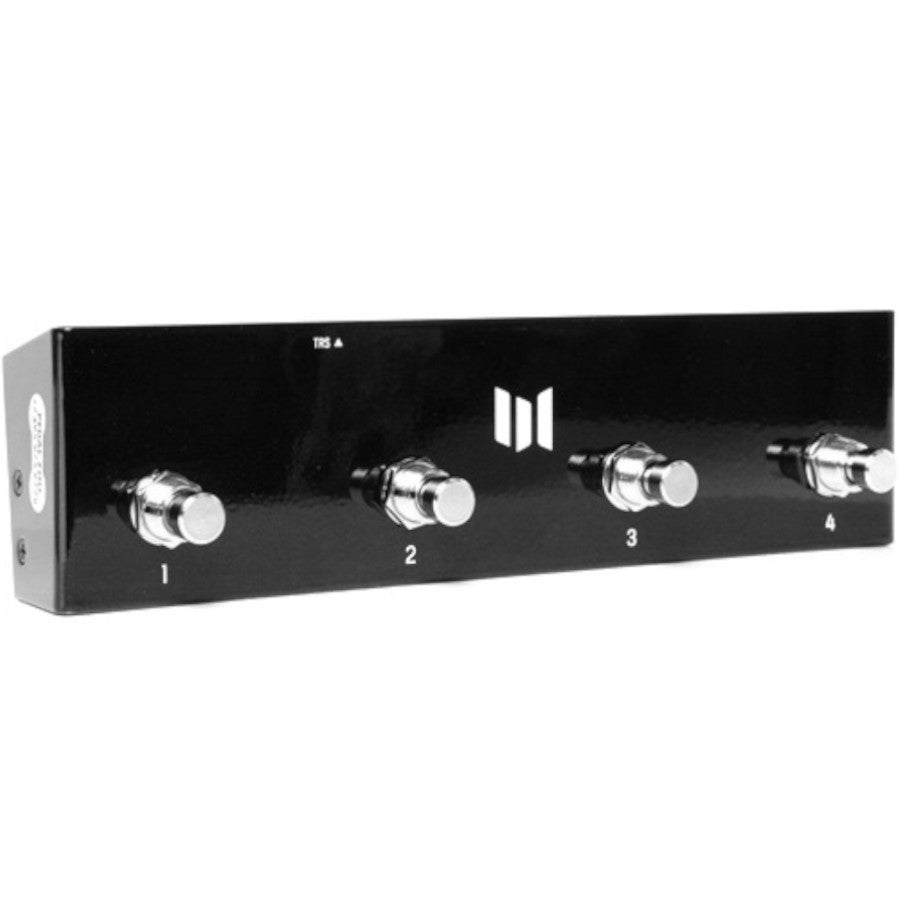
The Meris Preset Switch is a compact 4-button footswitch that gives instant, no-MIDI-required access to the first four presets on a compatible Meris pedal.
What it does
The Preset Switch connects to a compatible Meris pedal's EXP jack with a single TRS cable and gives instantaneous, one-press access to that pedal's first four presets — no external power and no MIDI rig required. Footswitch 1 recalls preset 1, footswitch 2 recalls preset 2, and so on. To save a preset, press the desired footswitch on the Preset Switch, dial in the sound on the pedal, then hold the pedal's ALT button.
Compatibility
Made for Meris's compact two-footswitch pedals with a multi-function EXP jack: Enzo, Hedra, Mercury7, Ottobit Jr., and Polymoon. The pedal's EXP jack must be set to "PRESET" in its global configuration mode. LVX, MercuryX, Enzo X, and Ottobit X select presets from their own footswitches and 5-pin DIN MIDI instead.
Why players choose it
- Instantaneous access to 4 presets with a single footswitch press each
- No external power required
- Connects with a single included TRS cable
- Can drive multiple compatible pedals at once with a TRS Y cable (not included) that joins tip, ring and sleeve in parallel; each footswitch then recalls the same-numbered preset on every connected pedal
- Sized to sit aesthetically in front of two Meris two-footswitch pedals
- PCB socket for an optional DIY mini-Arduino MIDI project (Arduino not included)
Setup
- Hold the pedal's ALT switch while powering it on for about 3 seconds; the front-panel LEDs blink 3 times to confirm configuration mode
- Use the knob shown in your pedal's quick start guide (bottom row, rightmost) to set the EXP jack to PRESET
- Unplug the pedal to store the setting
- Connect the Preset Switch to the EXP jack with the included TRS cable and power the pedal as usual
In the Box
- Meris Preset Switch
- One flat 11-inch TRS cable
- A TRS Y cable, needed only to drive more than one pedal, is not included
| Type | 4-button preset footswitch for Meris pedals |
|---|---|
| Presets | Recalls presets 1–4 of the connected pedal |
| Connection | TRS to the pedal's EXP jack (EXP mode set to PRESET) |
| Power | None required |
| Fits | Enzo, Hedra, Mercury7, Ottobit Jr., Polymoon |
| Included | Flat 11 in TRS cable |
| Dimensions | 8.5 × 2.25 × 2 in (216 × 57 × 51 mm) |
| Weight | 10 oz (285 g) |
FAQ
Which pedals does the Preset Switch work with? The Meris Enzo, Hedra, Mercury7, Ottobit Jr., and Polymoon — the compact pedals with a multi-function EXP jack. LVX, MercuryX, Enzo X, and Ottobit X handle presets on their own.
How many presets can it reach? The first four presets of the connected pedal. All 16 presets of a compact Meris pedal are available over MIDI with the Meris MIDI I/O.
How do I save a preset from the Preset Switch? Press the desired footswitch on the Preset Switch, adjust the sound to taste on the pedal, then hold the pedal's ALT button to store it.
Does it need power? No external power is required.
Can one Preset Switch drive more than one pedal? Yes, with a TRS Y cable that connects the tips, rings and sleeves in parallel (not included), with every connected pedal's EXP jack set to PRESET mode. Each footswitch recalls the same-numbered preset on all connected pedals.
What setup is needed on the pedal? Set the pedal's EXP jack to "PRESET" in its global configuration mode, then power cycle to store the setting.
What is included in the box? The Preset Switch and one flat 11-inch TRS cable.