





About This Item
Description
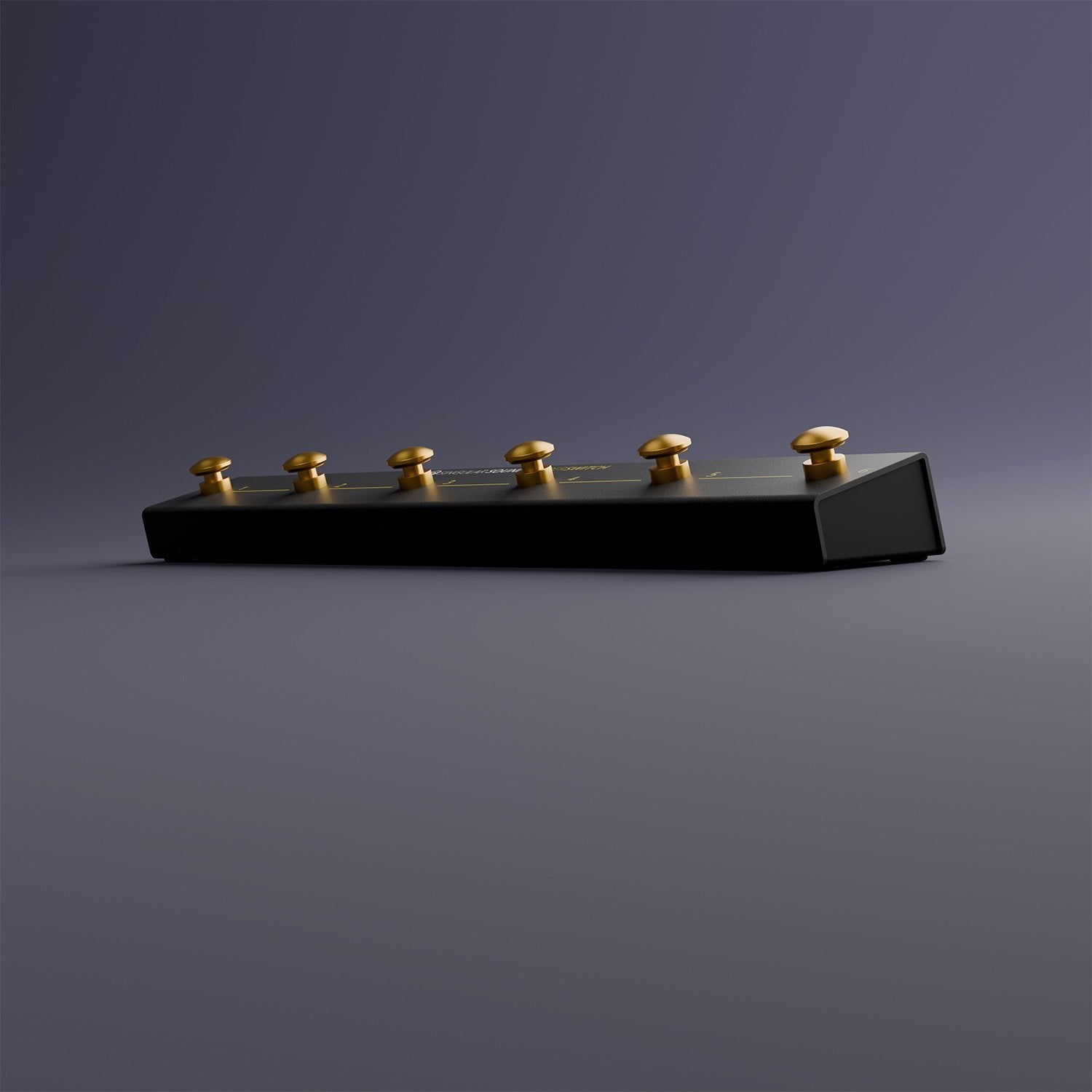
A six-button footswitch controller that goes far beyond a simple two-switch pedal, letting you trigger multiple BeatBuddy 2 or Aeros functions simultaneously — hands-free — without ever missing a beat.
Why guitarists choose this pedal
- Six independently assignable footswitches versus the two on the standard Footswitch+
- Proprietary signal protocol allows pressing multiple buttons at once for compound actions (e.g., pause + accent hit, or switching parts and starting a fill in one move) — not possible with a standard dual footswitch
- Mode-aware on BeatBuddy 2: the same six buttons perform different functions depending on whether the song is playing, paused, or stopped
- Also works with the Aeros Loop Studio for one-tap mixer, loop studio, slideout, and song-navigation shortcuts
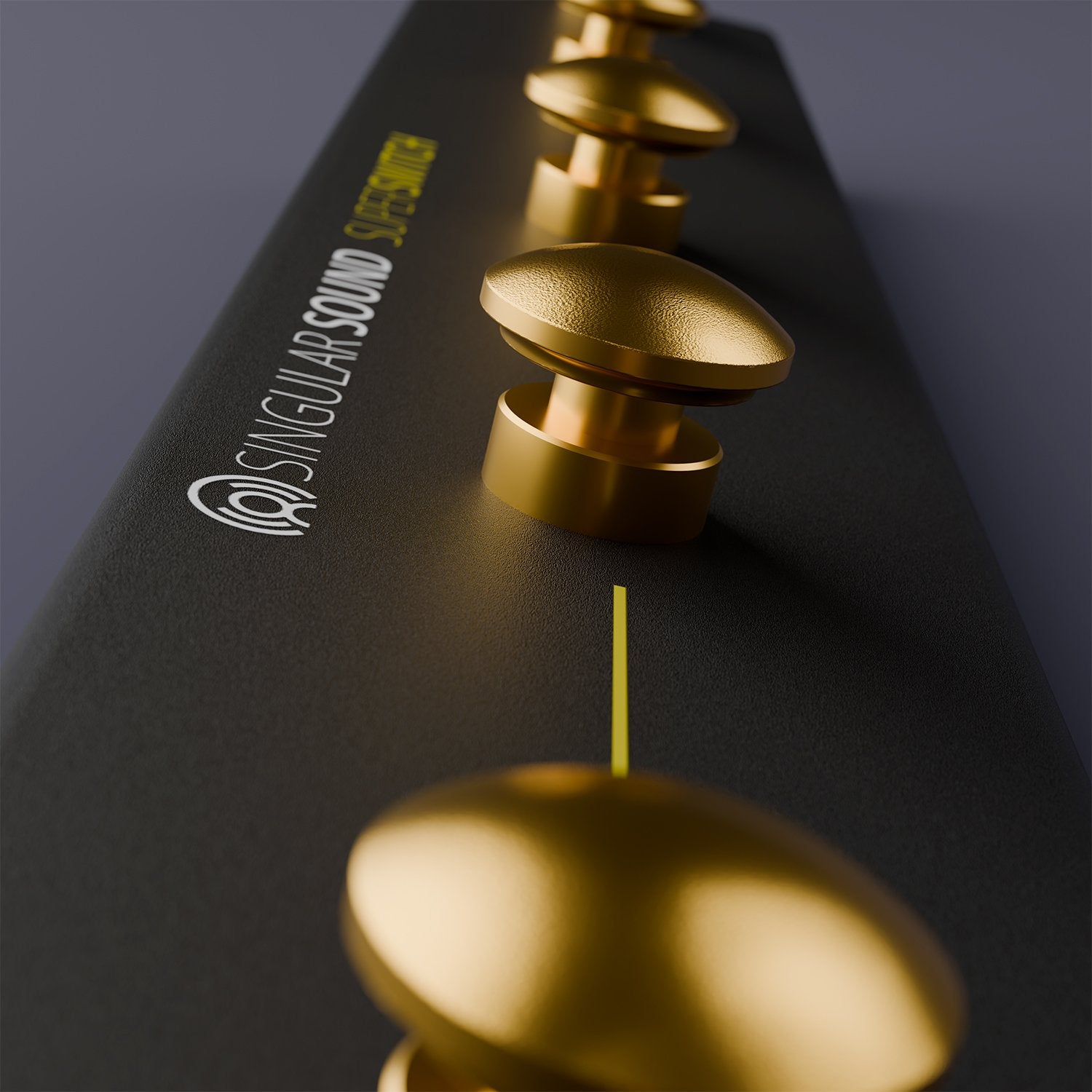
- Whisper-quiet switches in a slim, all-metal, road-ready enclosure
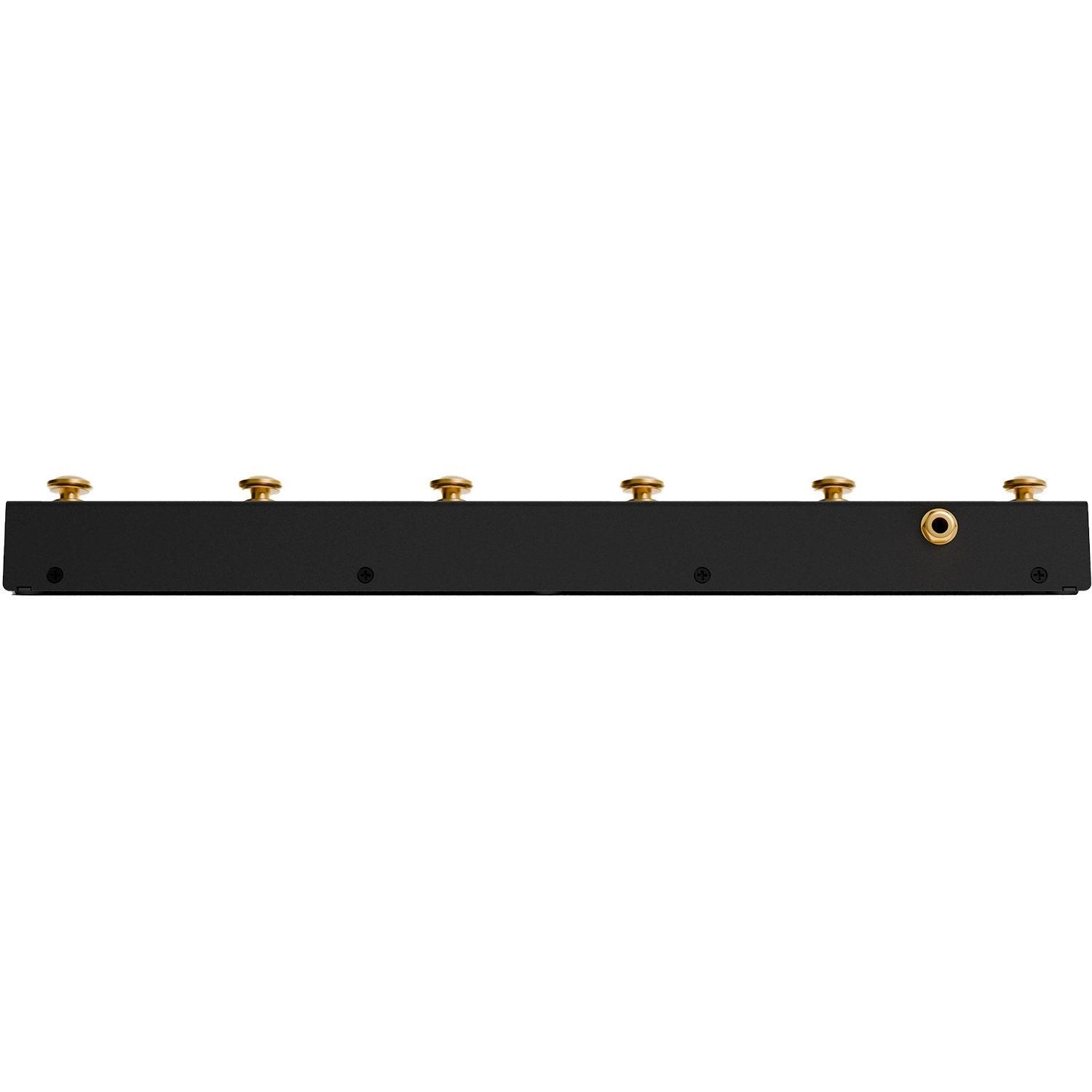
- Connects with a single 1/4" TRS cable
Controls and switches
- Six silent, low-profile momentary footswitches — each independently assignable; behavior is mode-aware on BeatBuddy 2 (different functions while playing, paused, or stopped) including fills, transitions, part changes, half/double-time tempo, accent hits, and outro triggers
- On Aeros: one-tap shortcuts for Mixer 1/2, Slideout, Loop Studio, New Song, mute/pause, clear song and other performance functions
- Button functions are set in the settings menus of the connected BeatBuddy 2 or Aeros
Default BeatBuddy 2 assignments
- Switch 1 — Accent Hit (playing, paused and stopped)
- Switch 2 — Previous Part
- Switch 3 — Next Part
- Switch 4 — Half Time (playing/paused); Song Advance (stopped)
- Switch 5 — Double Time (playing/paused); Tap Tempo (stopped)
- Switch 6 — Outro (playing); Instant Stop (paused); song list (stopped)
Connections & Setup
- One 1/4" TRS output
- On BeatBuddy 2, plug into either of the two multiswitch ports on the right side of the pedal, then set that port to SuperSwitch in its gear menu
- Use a stereo TRS cable pushed fully into both jacks
Compatibility
- Singular Sound BeatBuddy 2
- Singular Sound Aeros Loop Studio
- Designed only for these two units — not for the original BeatBuddy, BeatBuddy Mini 2, or as a general-purpose MIDI controller
| Type | Momentary multi-switch footswitch controller |
|---|---|
| Footswitches | 6, silent, individually assignable |
| Output | 1 × 1/4" TRS |
| Compatibility | BeatBuddy 2, Aeros Loop Studio |
| Enclosure | Metal, low profile |
| Dimensions (W × D × H) | 16.33 × 2.16 × 1.9 in (415 × 55 × 48 mm) |
| Weight | 1 lb 9 oz (708 g) |
FAQ
Is the SuperSwitch compatible with the original BeatBuddy or BeatBuddy Mini 2? No. The SuperSwitch works only with BeatBuddy 2 and the Aeros Loop Studio; it does not work with the original BeatBuddy or BeatBuddy Mini 2.
How does it connect to BeatBuddy 2? With a single 1/4" TRS (stereo) cable into one of BeatBuddy 2's two multiswitch ports. Set that port to SuperSwitch in the gear menu to activate all six buttons.
Can I customize what each button does? Yes. Every button's function is assignable from the BeatBuddy 2 or Aeros settings menu, and on BeatBuddy 2 functions change depending on play state (playing, paused, or stopped).
Can I press two buttons at once? Yes. Combined presses trigger multiple functions at the same time — for example, pausing and playing an accent hit, or switching parts and starting a fill, in one move.
Does the SuperSwitch send standard MIDI messages? No. It uses a proprietary signal protocol specific to BeatBuddy 2 and Aeros rather than standard MIDI, which is what allows simultaneous multi-button presses.
How is it different from the Footswitch+? The Footswitch+ is a two-button momentary footswitch. The SuperSwitch gives you six buttons and combined multi-button commands from the same multiswitch port.