
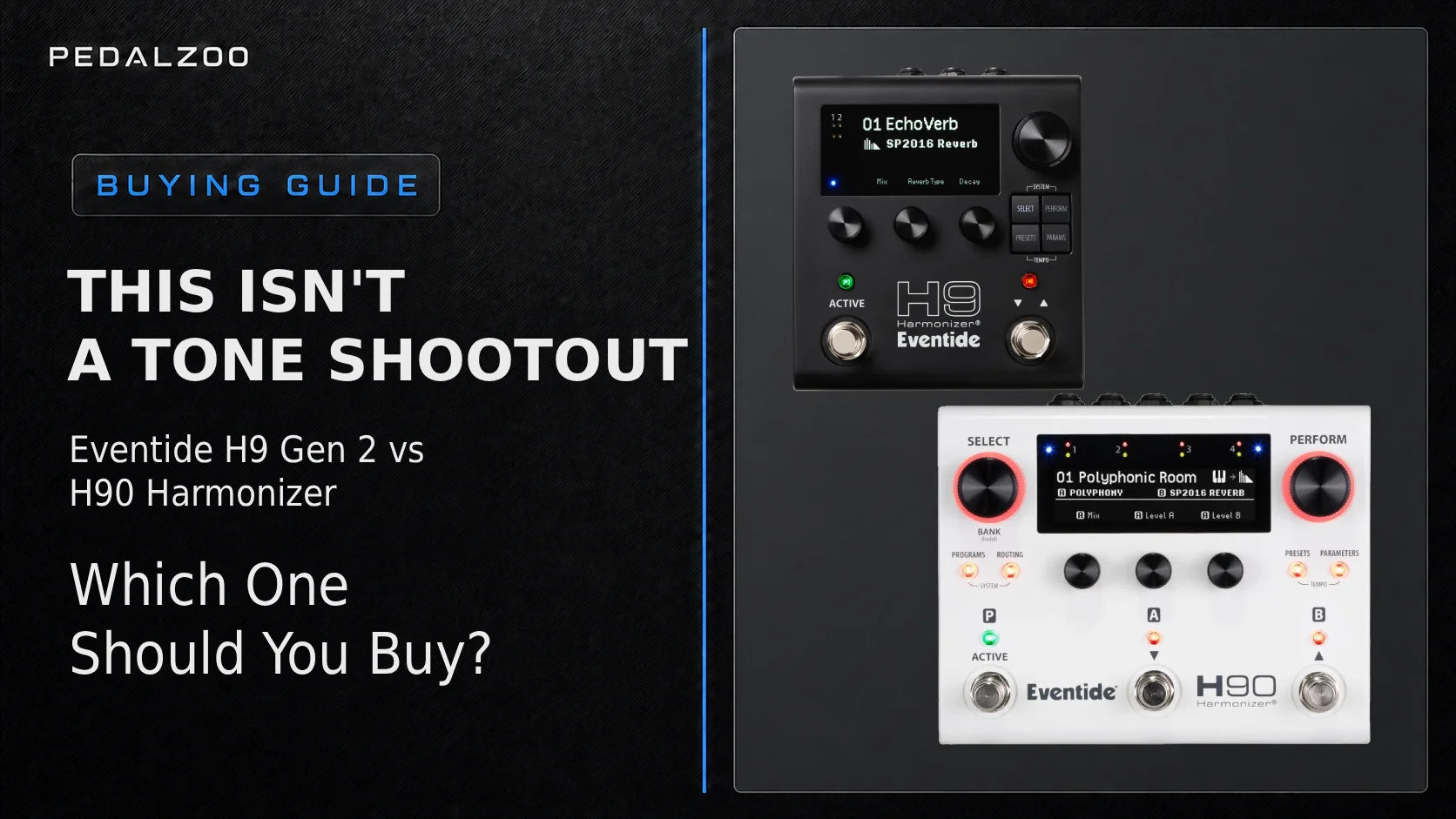
The Eventide H9 Harmonizer Gen 2 and the Eventide H90 Harmonizer now run on the same ARM-based processing platform and carry the same 74-algorithm library, so this isn't a comparison about which one sounds better. It comes down to one real question: do you need to run two algorithms at once, or is one at a time enough?
The quick verdict
- Get the H9 Harmonizer Gen 2 if you want the full current Eventide library in a compact, one-effect-at-a-time pedal that's easy to slot into a tight board.
- Get the H90 Harmonizer if you need to chain or parallel two algorithms in a single Program, route external pedals through onboard inserts, or process two independent stereo signals with Dual Mode.
- The simple test: if you can name two effects that need to run together in the same sound — say, a pitch shift into a reverb, or an overdrive into a harmonizer — the H90 earns its extra size and cost. If not, the H9 Gen 2 is the more rational pick.
Same engine, same algorithms — this isn't a tone shootout
Both pedals share Eventide's modern ARM-based architecture, the same 48 kHz / 24-bit AD-DA / 32-bit floating-point DSP, and the same SIFT (Spectral Instantaneous Frequency Tracking) engine for polyphonic pitch shifting. The H9 Gen 2 ships with the complete H90 and H9 Max algorithm libraries built in from day one, and the H90 documentation confirms the identical 74-algorithm set, including the granular, Harmonizer+, and polyphonic pitch categories. Neither pedal is a "cut-down" version of the other in terms of sound quality — the difference is entirely architectural.
Why the H9 Gen 2 lists more algorithms than older H90 listings
You'll sometimes see the H90 advertised with 62 or 66 algorithms instead of 74. That's not a spec gap — it's a firmware timeline. The H90 launched with a smaller set and picked up 22 new algorithms, including the four granular effects (Cosmic Web, Glitch, GrainMod, Stutter), through free updates. The H9 Gen 2 launched later and ships with the full current 74-algorithm library out of the box. Both pedals run the same list today; older marketing copy for the H90 simply predates its own updates.
The one real difference: one algorithm or two
The H9 Gen 2 is a single-core processor — one algorithm loaded per Preset. The H90 uses a dual-core design that runs two algorithms per Program, in series or in parallel, with true spillover between switches. This single fact drives almost every other difference between the two pedals.
When one algorithm is enough
- A single high-end reverb — Blackhole, SP2016, or Wormhole — placed at the end of an existing pedalboard.
- Stereo widening or detuning with MicroPitch.
- Polyphonic pitch work through Polyphony, PolyFlex, or Prism Shift.
- A complex single-box delay like Head Space or Bouquet Delay.
- One granular texture (Cosmic Web, Glitch, GrainMod, Stutter) as a creative accent.
- Vocal processing through the Harmonizer+ suite paired with the Eventide MixingLink.
When two algorithms change what's possible
- Compressor or EQ algorithm feeding straight into a pitch-shifter.
- An overdrive-style algorithm into a Harmonizer effect.
- Delay into reverb, or reverb into delay, in one saved Program.
- Two delays running in parallel for wider, more complex repeats.
- A granular or synth algorithm feeding a spatial reverb.
- Two entirely separate instruments — guitar and synth, or guitar and vocal — processed independently in Dual Mode.
Preset vs. Program: the terminology that trips buyers up
On the H9 Gen 2, one algorithm equals one Preset. On the H90, the vocabulary is a layer deeper: each algorithm loads into its own Preset (A or B), and a Program combines Preset A, Preset B, their series/parallel routing, and any Perform Mode footswitch assignments into a single save slot. A "Program" on the H90 is not the same unit as a "Preset" on the H9 Gen 2 — it's closer to a mini pedalboard snapshot. Both pedals organize their saved sounds into Playlists of up to 99 slots per list, accessed through Select and Bank Mode.
I/O and routing: where the H90 justifies itself
The H9 Gen 2 has 2 inputs and 2 outputs (¼" TS mono), plus a combined EXP jack and a combined CTL jack. The H90 has 4 inputs and 4 outputs (¼" TS mono), plus two combined EXP/CTL jacks. On the H9 Gen 2, routing options are Wet/Dry and Pre/Post — useful for splitting a single algorithm's wet and dry paths, or placing it before and after an amp in a 4-cable-method setup. The H90 goes further: its two Presets can be arranged in series or parallel per Program, and its Insert Routing mode adds two mono inserts (or one combined stereo insert) that can be placed at almost any point in the signal path — Pre A, Mid, Post B, and more — each with its own send level, return level, mix, tails, latency compensation, and polarity setting.
Insert Mode vs. Dual Mode — and the playlist trap
The H90 has two Global Routing Configurations. Insert Mode treats the H90 as one signal path with two algorithms and optional external effects loops inserted anywhere along it. Dual Mode turns the H90 into two fully independent stereo processors — Path 1 on I/O 1-2, Path 2 on I/O 3-4 — with no insert loops available in this mode.
- By design, not a bug: Eventide has confirmed inserts are not available in Dual Mode and there are no plans to add them, since combining the two would complicate routing.
- The playlist trap: Programs built in Insert Mode and Programs built in Dual Mode live in separate Playlists and are not interchangeable. Switching the Global Routing Configuration switches which Playlist is active — a common source of "where did my presets go" support tickets.
- Latency, quantified: according to Eventide's official specs, parallel routing on the H90 adds 3.8 ms of total latency and series routing adds 4.5 ms; each additional insert adds another 3.8 ms plus any compensation you dial in manually. The H9 Gen 2's own single-algorithm path measures 3.4 ms.
Three concrete routing scenarios
- H9 Gen 2 at the end of the chain — one algorithm in stereo, expression pedal on EXP, a 3-button aux switch on CTL, MIDI clock from a DAW.
- H90 as a pedalboard hub (Insert Mode) — an external analog overdrive dropped into Insert 1 between a pitch-shift algorithm and a reverb algorithm, letting you reorder your dirt pedal relative to Eventide's own effects on a per-Program basis.
- H90 running two instruments (Dual Mode) — guitar on Path 1, a synth or a vocal chain through the MixingLink on Path 2, each with its own independent algorithm.
Scenario three answers the question owners of an original H9 or H9 Max often ask directly: does one H90 replace two H9 pedals? For processing two separate instruments in parallel, yes. For a single sound built from two chained algorithms with shared Perform Mode control and one spillover behavior, also yes — and that's something two separate H9 units, wired side by side, can't fully replicate.
Live control: compact simplicity vs. performance hub
The H9 Gen 2 has 2 programmable footswitches plus HotKnob and HotSwitch macro control, three Quick Knobs, and four workflow modes: Select, Perform, Presets, and Parameters — all editable directly on the pedal, no app required. The H90 steps up to 3 physical footswitches, five push-turn encoders, seven LED buttons, and two pages of Perform Mode assignments, giving up to six programmable performance parameters mapped across footswitches at once.
Accessory note for H9 Classic/H9 Max owners: the older Barn3 OX9 aux switch does not fit the new H9 Gen 2 chassis — the mounting holes, cable, and inputs don't line up. Eventide recommends the newer OXU Mini with its mounting plate instead.
Spillover on both — but not the same complexity
Both pedals support spillover, letting a reverb or delay tail ring out naturally for several seconds after you switch away from it. On the H9 Gen 2, spillover happens between single-algorithm Presets. On the H90, true spillover happens between full two-algorithm Programs — a more complex transition, since both algorithms in the outgoing Program can trail off independently while the new Program loads.
Apps, MIDI, and Bluetooth — what the manuals actually say
Both pedals are fully editable from the front panel with no app required, and both connect via USB-C to Eventide Control / H90 Control software, plus standard 5-pin MIDI In and Out/Thru. On Bluetooth specifically, the official documentation for each pedal tells a different story:
- H90: Bluetooth has been a real, working feature since firmware 1.7.5, letting the pedal pair with Mac, iPad, or iOS for H90 Control access and MIDI messaging. Eventide's own manual flags it as Beta and does not yet recommend relying on it for mission-critical live use. Firmware updates themselves still require a USB connection.
- H9 Gen 2: the product page and press release list Bluetooth support for Mac and iPad as "coming soon" rather than active at launch; the hardware includes a Bluetooth status LED, but the feature ships via a future firmware update rather than out of the box.
Pedalboard practicalities: size and power
The H9 Gen 2 measures roughly 133 x 127 x 69 mm and weighs about 0.6 kg. The H90 measures roughly 179 x 136 x 65 mm and weighs about 1.36 kg — nearly two and a half times heavier, which matters on a tightly packed board or in a fly rig.
Both use an uncommon center-positive 5.5/2.5 mm barrel connector, the opposite polarity from most center-negative pedals, so a standard supply needs a polarity-reversing cable. The H9 Gen 2 draws 300 mA at 12 VDC or 400 mA at 9 VDC and ships with its own 12 V / 1 A adapter. The H90 draws 600 mA at 12 VDC or 800 mA at 9 VDC. Eventide's own support forum confirms the H90 can be run safely from a single 12 V / 500 mA outlet on their PowerMax or PowerMini units thanks to headroom in those supplies, but the general recommendation for third-party power bricks is 12 V at 600 mA. Only use a current doubler cable if combining outlets — never a voltage doubler — and neither pedal accepts 18 V or 24 V.
For existing H9 and H9 Max owners
The H9 Gen 2 is fully compatible with H9 Classic presets, so existing sound libraries carry forward. What's actually new versus the original H9: full on-pedal parameter editing without an app, a larger 2.5" display, spillover between presets, and HotKnob/HotSwitch macro control.
What about the H9 Max?
The H9 Max Harmonizer carries 52 algorithms from the earlier generation of the platform — a smaller library than the 74 algorithms in both the H9 Gen 2 and the H90. If budget is the deciding factor and you don't need the newest granular or Harmonizer+ vocal algorithms, it's still a capable single-algorithm pedal; otherwise, the H9 Gen 2 has fully superseded it as Eventide's current compact multi-effects offering.
H90 or H90 Dark?
The standard white H90 and the limited-edition H90 Dark are functionally identical — same algorithms, same routing, same I/O. The only difference is the black finish on the Dark edition, so choose based on looks and availability rather than features.
Final decision by use case
| If you... | Get the |
|---|---|
| Only need one Eventide effect at a time | H9 Gen 2 |
| Run a compact board or fly rig | H9 Gen 2 |
| Already have a full multi-effects unit and want one specialist slot | H9 Gen 2 |
| Build ambient, shoegaze, or sound-design textures from chained effects | H90 |
| Use the 4-cable method or wet/dry/wet rigs | H90 (Dual Mode) |
| Process guitar and a synth or vocal chain at once | H90 (Dual Mode) |
| Want to slot analog pedals between two Eventide algorithms | H90 (Insert Mode) |
| Need a compact studio outboard processor for a DAW | H90 |
| Already own two H9 pedals and want them combined | H90 |
If neither is the right fit
If you only need one specific Eventide sound rather than the full library, dedicated pedals like Blackhole, MicroPitch Delay, TriceraChorus, or Space deliver that one algorithm in a simpler, more affordable format.
FAQ
Do the H9 Gen 2 and H90 sound the same? Yes — both run the same ARM-based architecture and the same 74-algorithm library, so tone is not the deciding factor.
Can the H9 Gen 2 run two effects at once? No. It's a single-algorithm pedal; running two effects together requires the H90's dual-core design.
Are all the H90's algorithms available on the H9 Gen 2? Yes, both ship with the full current 74-algorithm library.
Does one H90 replace two H9 pedals? For processing two separate instruments (Dual Mode) or chaining two algorithms into one sound (Insert Mode), largely yes — though the H90 also adds shared Perform Mode control and unified spillover that two standalone H9 units don't offer together.
Do inserts work in Dual Mode? No. Inserts are only available in Insert Mode, by design.
Why can't I see my Dual Mode programs in Insert Mode? Insert Mode and Dual Mode use separate Playlists on the H90 — switching modes switches which Playlist is active.
What power supply does the H90 need? A center-positive 5.5/2.5 mm supply rated for 600 mA at 12 VDC or 800 mA at 9 VDC; a single 12 V/500 mA outlet on an Eventide PowerMax/PowerMini works thanks to built-in headroom, but 12 V/600 mA is the general recommendation for other brands.
Will my old Barn3 OX9 fit the new H9 Gen 2? No — the mounting holes and connectors changed. Use the OXU Mini instead.
Will my old H9 presets load on the H9 Gen 2? Yes, the H9 Gen 2 is fully compatible with H9 Classic presets.
What's different about the H90 Dark? Nothing but the finish — it's functionally identical to the standard white H90.