


About This Item
Description
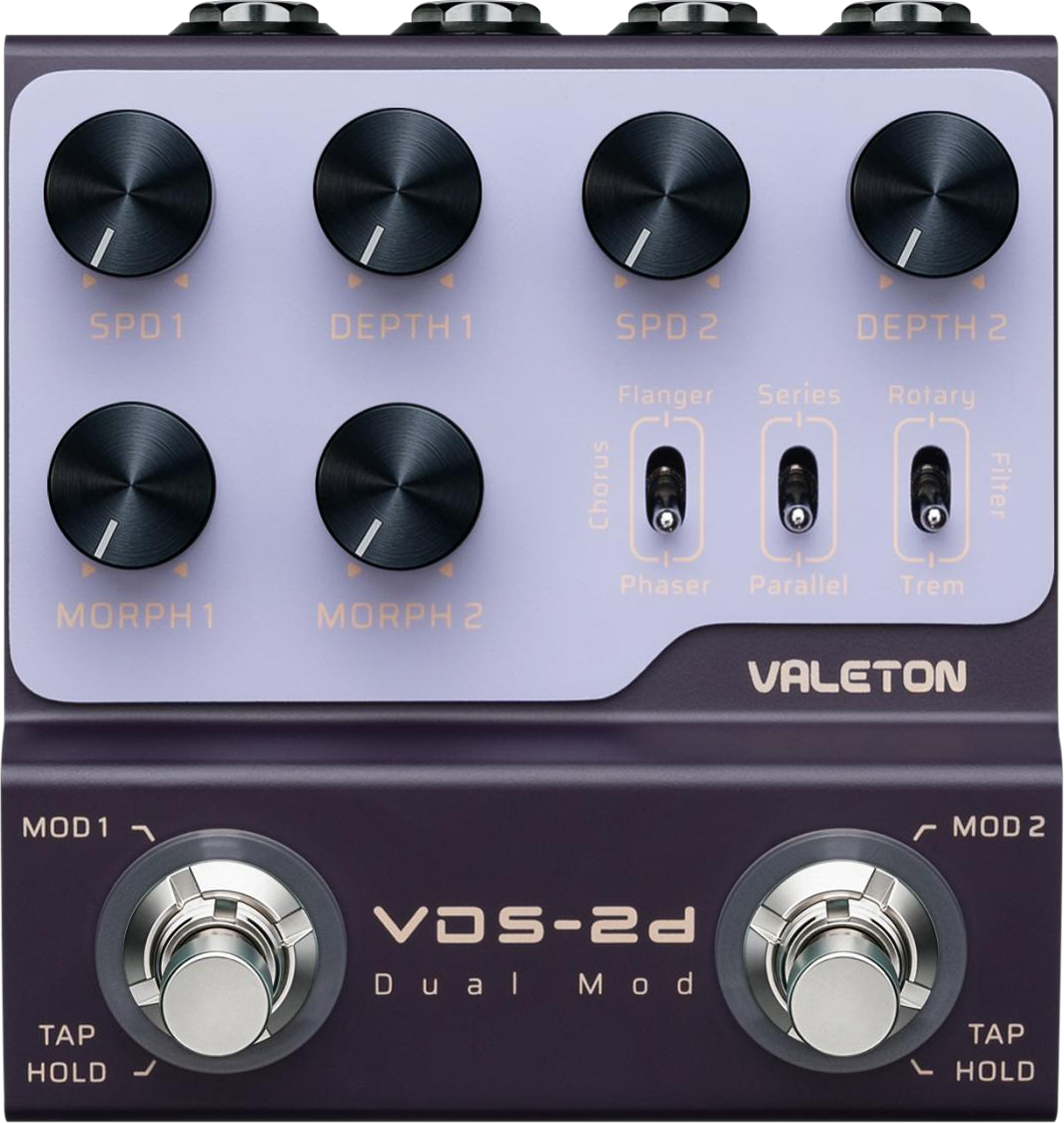
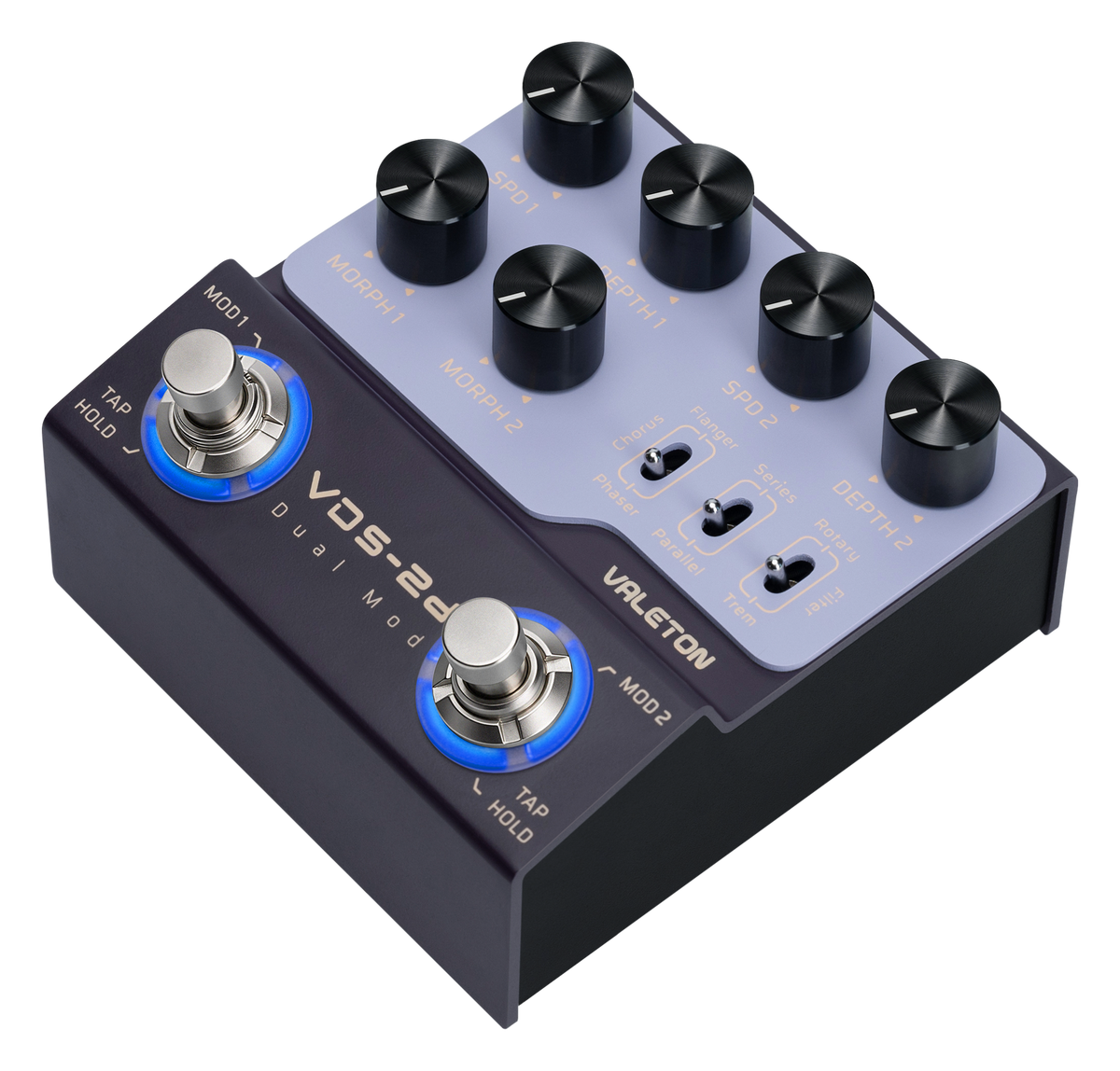
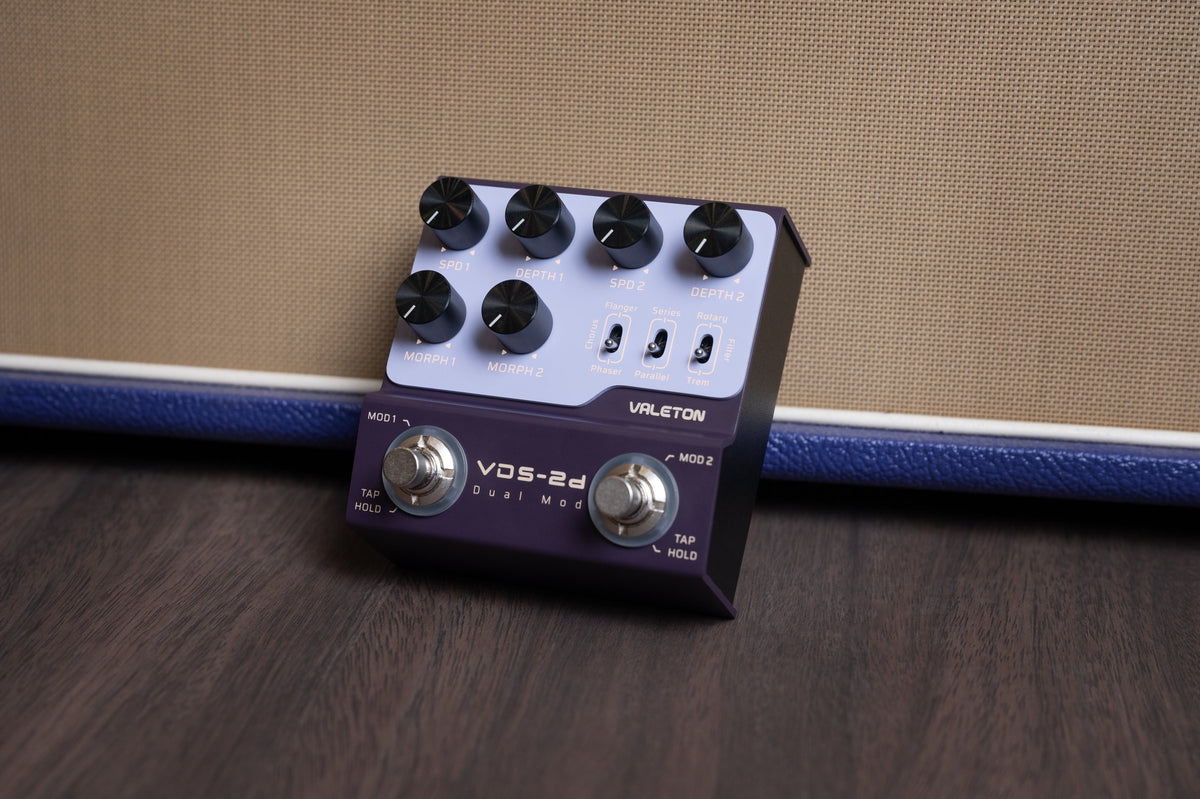
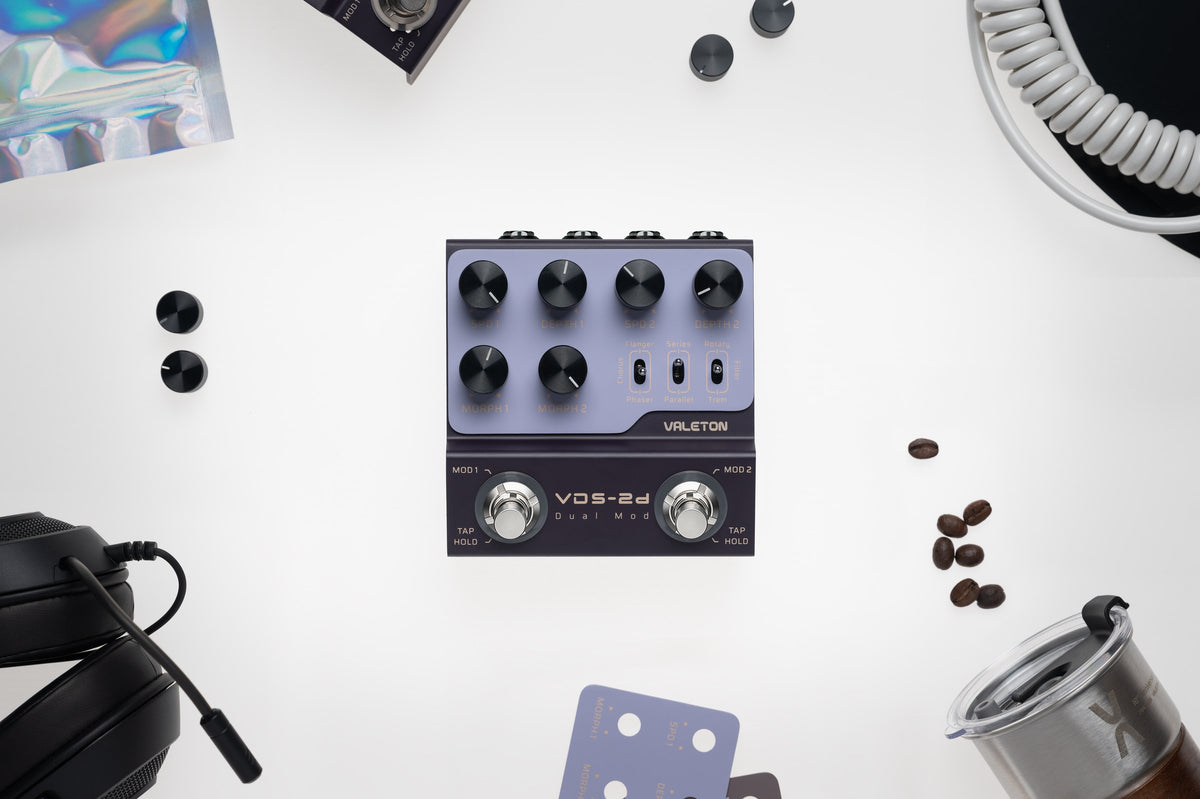
The Valeton VDS-2D gives you two modulation channels in one compact pedal: one for Flanger, Chorus or Phaser, and one for Rotary, Filter or Tremolo. A Series/Parallel switch sets how the two channels combine, and each channel has its own footswitch, so you can run one effect or stack two.
Each channel has SPD (modulation rate), DEPTH (modulation depth) and MORPH controls. In Series mode, MORPH 1 sets the mix (dry/wet ratio) of MOD 1; in Parallel mode, it sets the final blend between MOD 1 and MOD 2. MORPH 2 changes function depending on the selected MOD 2 type: with Filter it sets the filter frequency, and with Tremolo it changes the waveform from triangle to square.
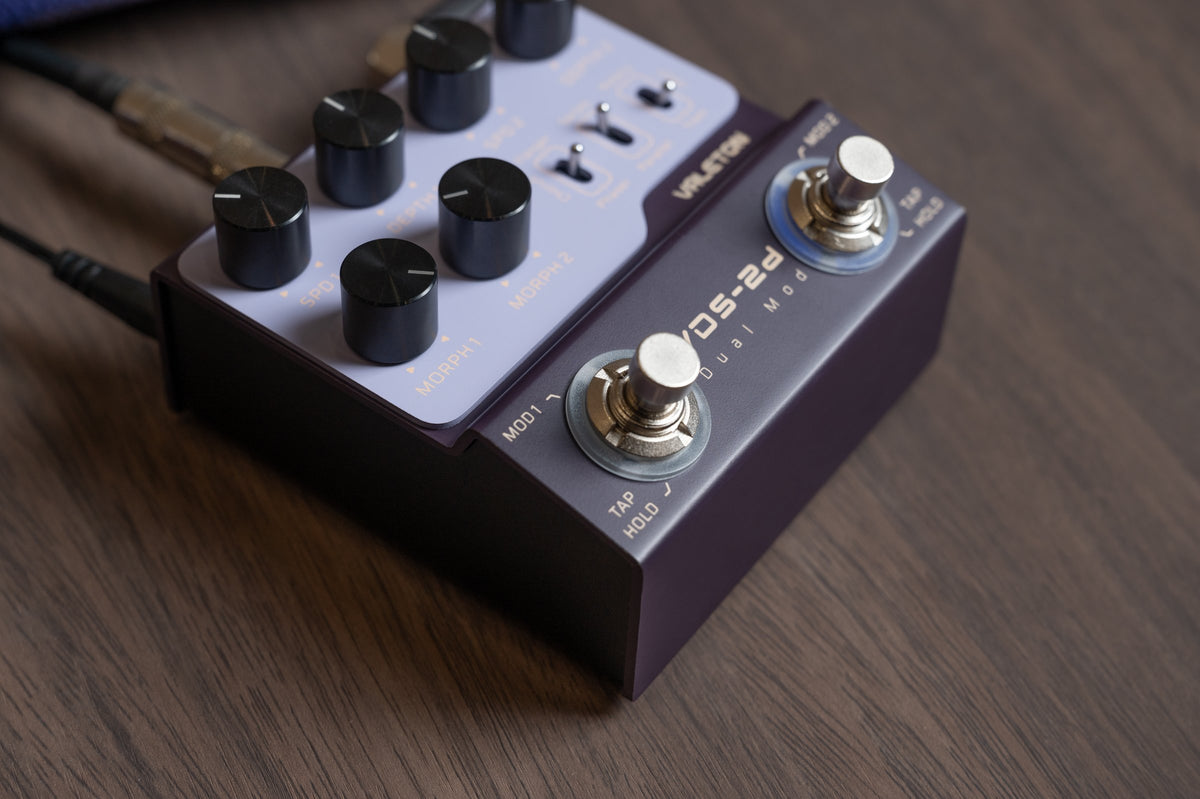
Hold either footswitch to enter Tap Tempo. When Tap Tempo is active on both channels, tapping one side syncs the rate of the other.
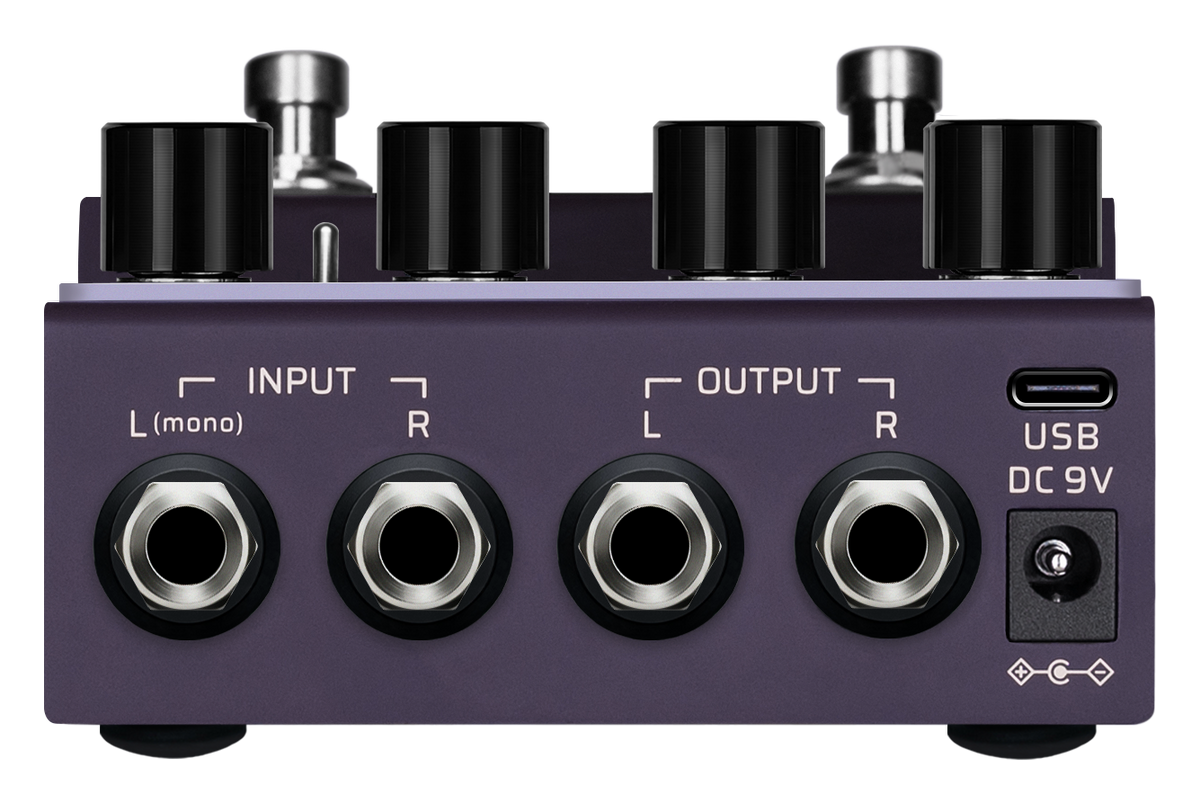
Inputs: L (Mono) and R. Outputs: L and R. The pedal can be used in stereo or in mono.
Key features
- Two modulation channels in one pedal, each with its own footswitch
- MOD 1: Flanger, Chorus, Phaser
- MOD 2: Rotary, Filter, Tremolo
- Series or Parallel routing of the two channels
- SPD, DEPTH and MORPH controls for each channel
- Tap Tempo on both footswitches, with rate sync between channels
- Inputs: L (Mono), R
- Outputs: L, R
- USB port for firmware updates
Pedalzoo Use Cases — Expert Tips
Suggested starting points from Pedalzoo. Adjust them to your guitar, amp and the rest of your board.
- Two effects that work together: pair Chorus (MOD 1) with Tremolo (MOD 2), or Phaser (MOD 1) with Rotary (MOD 2). Start with moderate DEPTH on both channels so the two movements do not crowd each other.
- Series or Parallel: in Series, use MORPH 1 to set how much MOD 1 is mixed into the signal; in Parallel, use MORPH 1 to balance MOD 1 against MOD 2.
- Both channels in time: put both channels in Tap Tempo and tap one side; the other channel follows the same rate.
- A second channel for accents: leave one channel on as your base sound and switch the other on only for a chorus, a bridge or a solo.
Connections & power
- Inputs: L (Mono), R. Mono: connect to L (Mono) only. Stereo: connect both.
- Outputs: L, R. Mono: use L only. Stereo: connect both to your amplifiers or other equipment.
- Mono in, stereo out: connect your instrument to the L (Mono) input and both outputs, L and R.
- USB port: connect to a computer to update the firmware.
- Power: 9V DC, center negative, 5.5 × 2.1 mm plug, 300 mA. Power supply not included.
In the box
- Valeton VDS-2D pedal
Power supply not included.
Controls
SPD 1 · DEPTH 1 · MORPH 1 · SPD 2 · DEPTH 2 · MORPH 2 · MOD 1 type switch (Flanger/Chorus/Phaser) · Series/Parallel switch · MOD 2 type switch (Rotary/Filter/Tremolo) · MOD 1 and MOD 2 footswitches (press: on/off; hold: Tap Tempo)
Specifications
| Effect type | Digital dual modulation |
| MOD 1 types | Flanger, Chorus, Phaser |
| MOD 2 types | Rotary, Filter, Tremolo |
| Routing | Series or Parallel |
| Bypass | Buffered bypass |
| Inputs | L (Mono), R |
| Outputs | L, R |
| USB | USB port for firmware updates |
| Power | 9V DC, center negative, 5.5 × 2.1 mm, 300 mA |
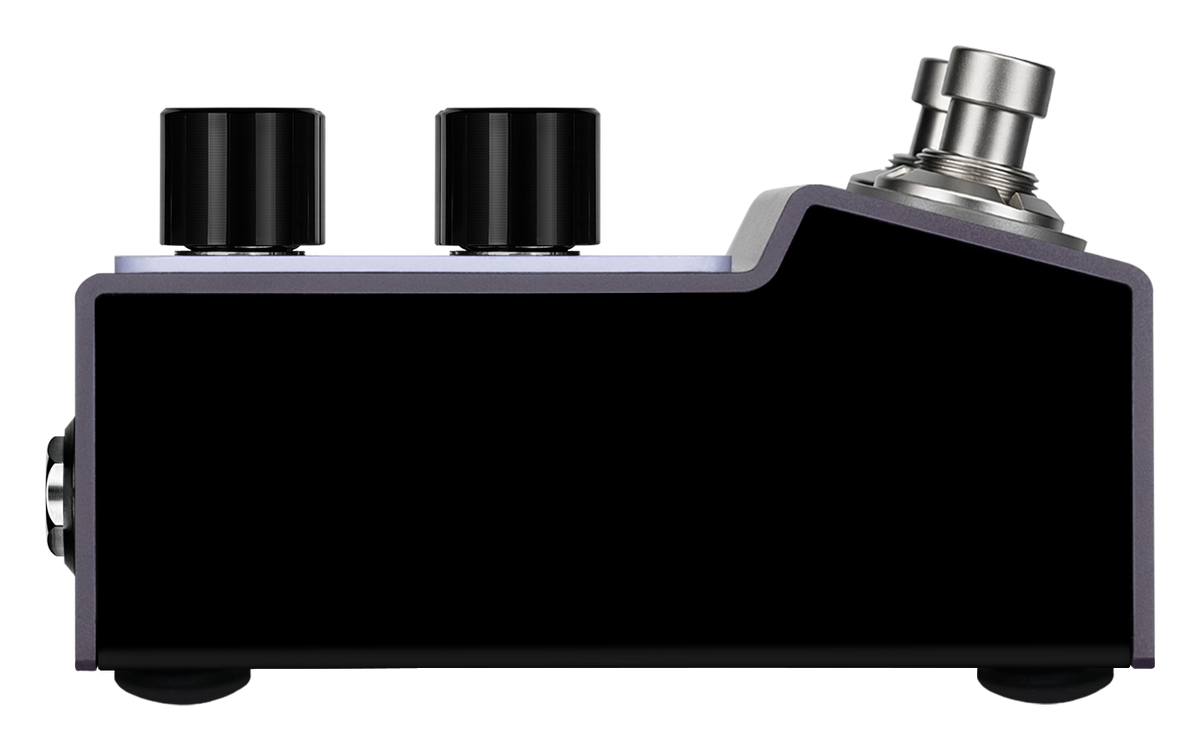
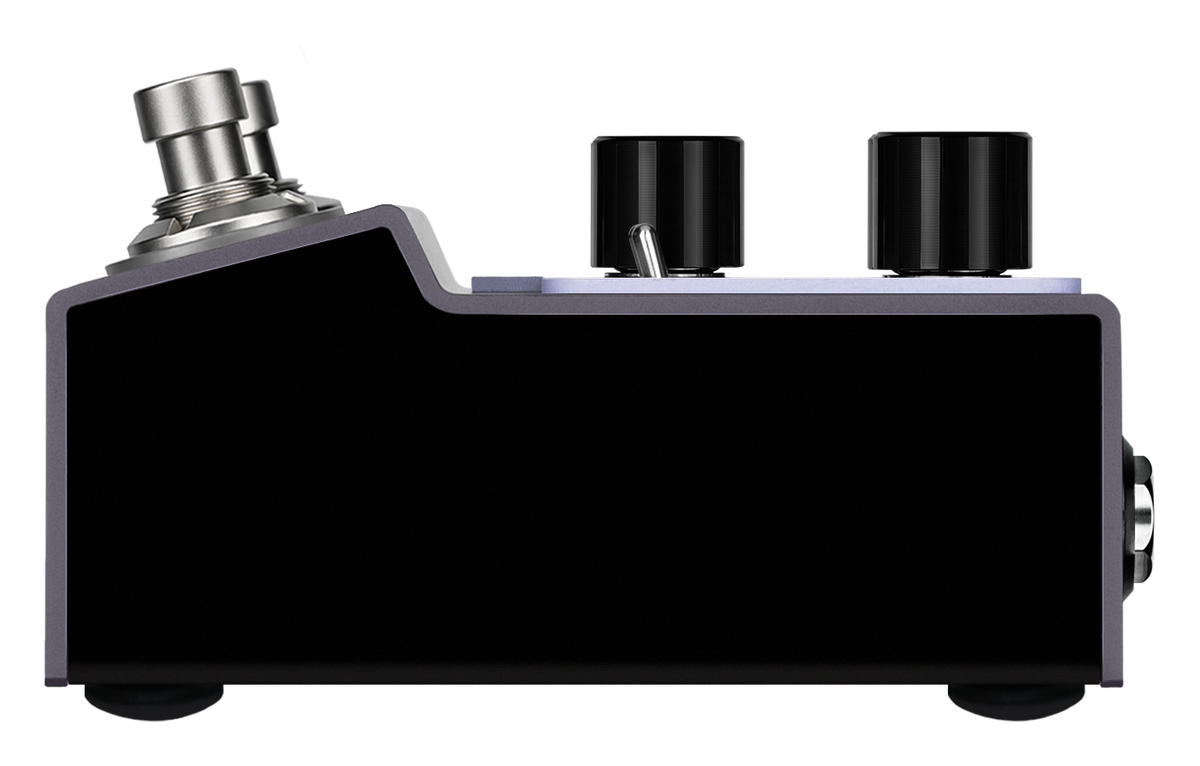
| Device dimensions | 96 mm (L) × 100 mm (W) × 44.5 mm (H) |
| Weight | 449 g |
| Package dimensions | 14 × 13.5 × 9.5 cm |
| Shipping weight (gross) | 0.53 kg |
| Warranty | 1 year, serviced by Pedalzoo in Canada and the United States |
| UPC | 888506900020 |
Technical specifications are based on Valeton’s product documentation. Usage tips are provided by Pedalzoo.
FAQ
Can I use both modulation channels at the same time? Yes. Each channel has its own footswitch, so you can turn on one or both.
Can I combine any two of the six effects? No. You combine one effect from MOD 1 (Flanger, Chorus or Phaser) with one from MOD 2 (Rotary, Filter or Tremolo). Effects on the same channel are alternatives.
What does the Series/Parallel switch do? It sets how the two modulation effects are routed. MORPH 1 also changes with it: in Series mode it sets the MOD 1 mix, and in Parallel mode it sets the blend between MOD 1 and MOD 2.
How does Tap Tempo work? Hold the MOD 1 or MOD 2 footswitch. The ring flashes green at the tapped tempo. When Tap Tempo is active on both channels, tapping one side syncs the rate of the other.
What does MORPH 2 do? Its function depends on the MOD 2 type. With Filter it sets the filter frequency; with Tremolo it changes the waveform from triangle to square.
Can I use it in mono? Yes. Connect your instrument to the L (Mono) input and use the L output. For mono in, stereo out, connect the L (Mono) input and both outputs.
Is a power supply included? Power supply not included. Use a 9V DC supply, center negative, with a 5.5 × 2.1 mm plug, rated for 300 mA or more.
What is the USB port used for? You can connect it to a computer to update the pedal's firmware.
What warranty does it have? 1 year. Warranty service in Canada and the United States is provided by Pedalzoo. Contact us at ca@pedalzoo.com.